
Skipping WordPress maintenance puts your website development investment at risk. Learn how outdated plugins, weak logins, and no backups open the door to attacks.
WordPress now powers 42.5% of all websites. This is one of the reasons why it draws so much attention from attackers. A platform this common becomes a familiar target. When weaknesses appear, they get noticed fast.
Many businesses invest in strong website development and design, launch the site, and then leave it untouched for months or even years. This is where the trouble starts. A website is not a static file sitting on a server. It is a live system that needs regular care. WordPress itself, along with its themes and plugins, is updated often because these updates include security fixes and bug fixes.
Skip that care, and the risks stack up quickly. A neglected WordPress site can face breaches, downtime, data loss, search penalties, and a trust problem that is hard to repair. This article breaks down why that happens and why maintenance is not optional.

What ‘Unmaintained’ Really Means for a WordPress Website
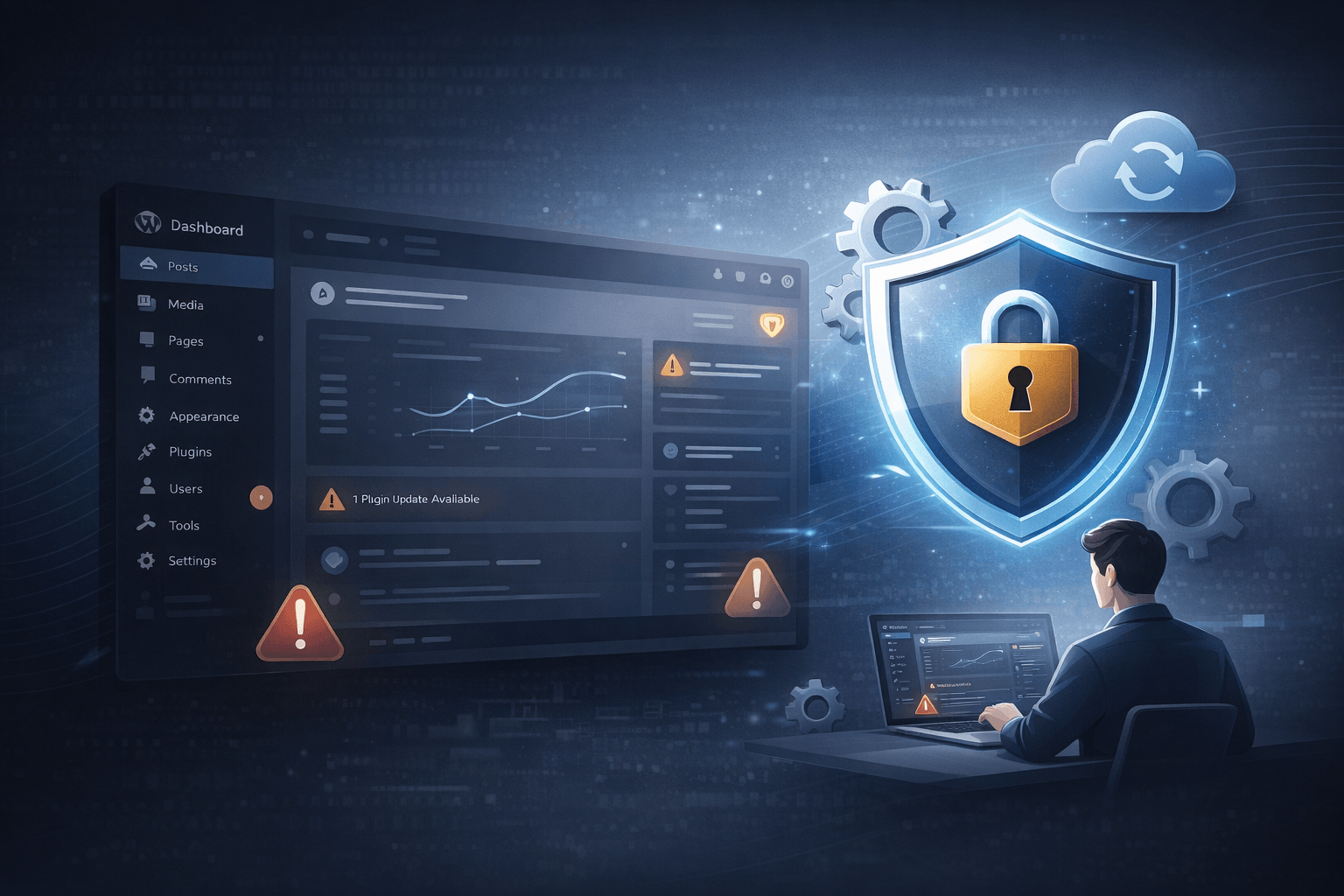
An unmaintained WordPress site is not just a site that has not been redesigned. It is a site running on outdated plugins, stale themes, weak or outdated login controls, no recent backups, expired SSL certificates, and more. WordPress guidance repeatedly points to updates, backups, and security hardening as basic safeguards, not extras. Yet, no one usually watches uptime or error logs.
None of this is dramatic on its own. But together, it weakens the reliability of the whole site and undermines the value of the original build. This matters because a website is part trust, part function. If visitors lose confidence in the site, they also lose confidence in the brand behind it.

The Security Risks of Skipping WordPress Maintenance
The biggest danger is not one single flaw. It is the way several small gaps start working together. One small oversight can lead to a much bigger problem. Here is where those risks usually begin.
1. Outdated Plugins and Themes Become Open Doors for Hackers
Plugins and themes are often where attackers look first. WordPress updates often include fixes for known security issues. Sites that delay them remain exposed to weaknesses already known to attackers.
Unmaintained sites become predictable. Hackers do not need to guess as much when they know old software is still running. They target the gap between a fix being released and the site owner actually applying it.
2. Brute Force Attacks Exploit Weak or Unchanged Login Credentials
If no one is watching the login layer, attackers keep trying. They use automated bots, repeated password attempts, and common credential lists to probe sites all day and all night. Passwords alone are often not enough.
WordPress security guidance recommends adding stronger controls such as two-factor authentication, login hardening, and other protections. Unmaintained sites often miss these basic protections. Once an attacker gets in, the rest of the site is easier to reach.
3. Malware Injections Silently Corrupt Your Website
Malware does not always announce itself. A compromised site can keep loading normally while hidden code steals form submissions, sends visitors to spam pages, or adds links that the site owner never approved.
This is the kind of damage that hurts twice. First, it affects visitors. Then it affects the business when the issue finally comes to light. The site may look fine on the surface, but the trust behind it is already gone.
4. No SSL or Expired Certificates Destroy User Trust Instantly
An expired SSL certificate or a missing HTTPS setup does more than trigger a browser notice. Chrome warns users when a site does not support a secure connection, and Google has long tied unsafe or harmful material to search visibility problems.
A strong page layout cannot outweigh a security warning in the address bar. The site may still look clean, but it no longer feels safe.
5. Missing Backups Mean One Attack Can Erase Everything
Backups are the difference between recovery and collapse. WordPress documentation recommends keeping backups and restoring files and the database in a careful order because something will eventually go wrong. It may be an attack or a bad update. Without backups, all of it can become a dead end.

How Security Failures Ripple Beyond the Website
The damage rarely stays inside the website itself. Once a WordPress site is compromised, the effects spread into search, customer trust, operations, and compliance. Here’s what you are risking.
1. Getting Blacklisted by Google and Losing All Search Rankings
Google can flag or block material in search when it finds harmful or unsafe content. Malware issues can lead to serious visibility problems. For a business that depends on organic traffic, this can be painful. It becomes a revenue issue.
2. Exposing Customer Data and Creating Legal Liability
If a site collects names, emails, phone numbers, bookings, or payment details, a breach can expose personal data. This can create compliance problems and investigation costs. There is also the risk of potential penalties depending on the market and the type of information involved. The more sensitive the data, the more serious the fallout when security is ignored.
3. Damages Brand Reputation That Took Years to Build
People remember a hacked site. They remember warning pages, broken layouts, spam content, and strange redirects. They also remember that they had to stop and wonder whether the business was still reliable. This kind of doubt lasts longer than the incident itself.
If you already keep your website maintained, and still are seeing problems with lead conversion, ensure that your website is optimised with all the high-conversion features.

Keep Your Website Bulletproof With Knovial
WordPress is still a powerful platform, but it only stays reliable when someone keeps an eye on it. A well-built site needs ongoing care to stay safe and useful. WordPress documentation and security guidance are clear on that point.
This is where Knovial can help. Our website design and development team does not just handle launch work. It also supports secure, updated, and stable sites after the build is done. If your site has been sitting without checks, now is the time to review it. A simple audit can reveal gaps before they become problems.
Don’t wait for a breach to take maintenance seriously. Get in touch with Knovial today.